
5.8Deleting a connection
Last updated
Deleting a connection removes it permanently. It cannot be undone.
To delete a connection you need the adconnections:delete permission and your active role must be System Admin.
To delete a connection:
- Go to Directory › Connections.
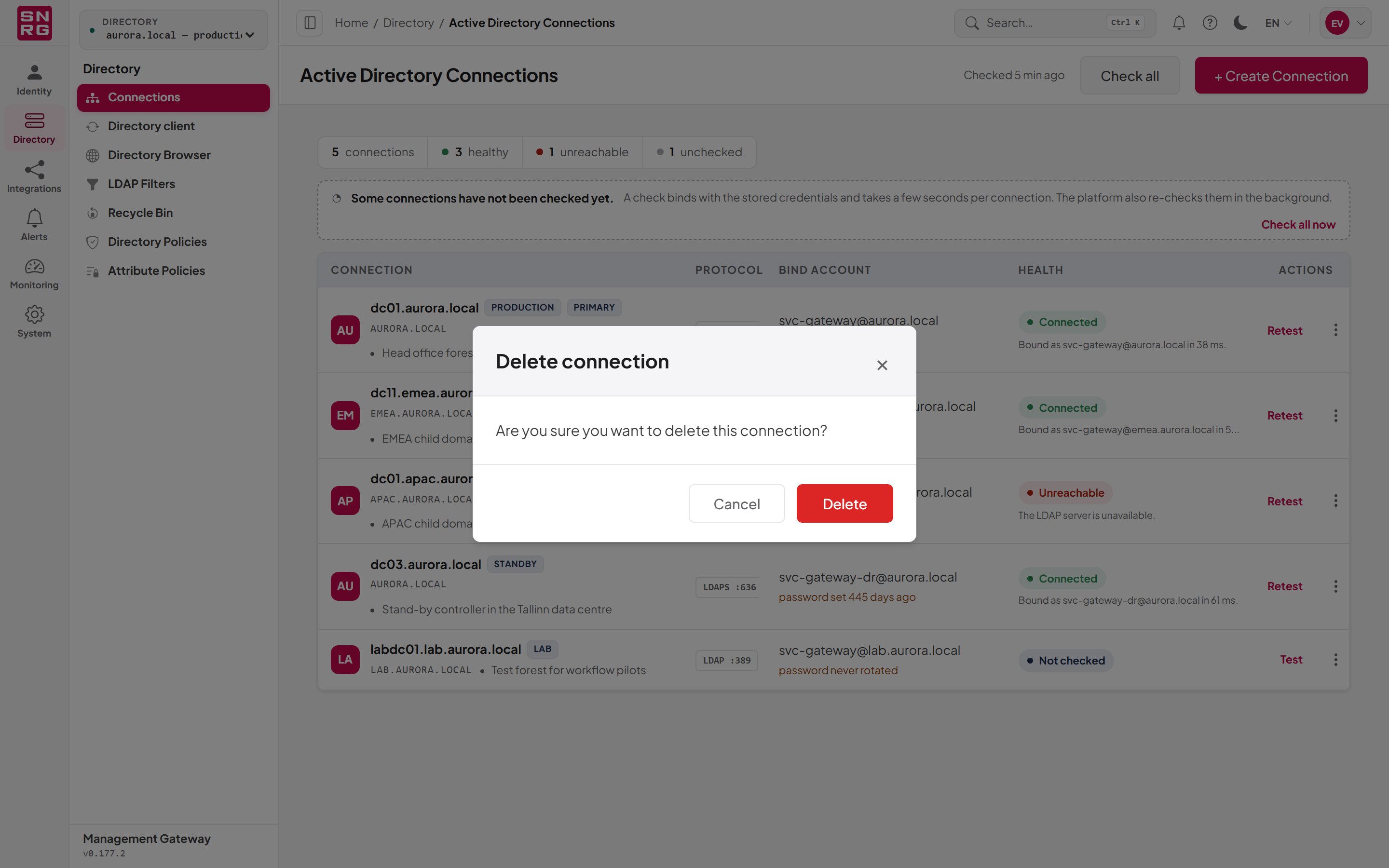
- Open the row menu (three dots) of the connection and select Delete.
- In the Delete connection dialog, select Delete to confirm.
You see "Connection deleted successfully".
- The stored credentials are removed, and any cached sign-in to the domain controller is discarded at once.
- The connection's protected containers, its per-directory operation policy, notification rule and MCP tool overrides are removed with it.
- Roles bound to it lose that binding.
- AI agents that were connected to that directory are disconnected.
- The deletion is recorded in the operations log, including what the connection pointed at. Earlier operations performed through the connection stay in the log.
- Nothing in Active Directory itself is changed.
Important: A connection that an API key is still bound to cannot be deleted. Remove the binding from those API keys first (see Chapter 12, API keys), then delete the connection.
If you need to point the platform at a different domain controller of the same domain, edit the connection instead of deleting and re-creating it. Editing keeps its role bindings, API key bindings, protected containers, per-directory settings and change history.
Last updated
Thank you for your feedback.