
1.2What SYNERGY Management Gateway for Active Directory is
Last updated
SYNERGY Management Gateway for Active Directory — SYNERGY Management Gateway for short in the rest of this guide — is a self-hosted product that sits between the people, systems and AI agents that need to work with Active Directory and the directory itself. It runs on a Windows server in your own network and gives you:
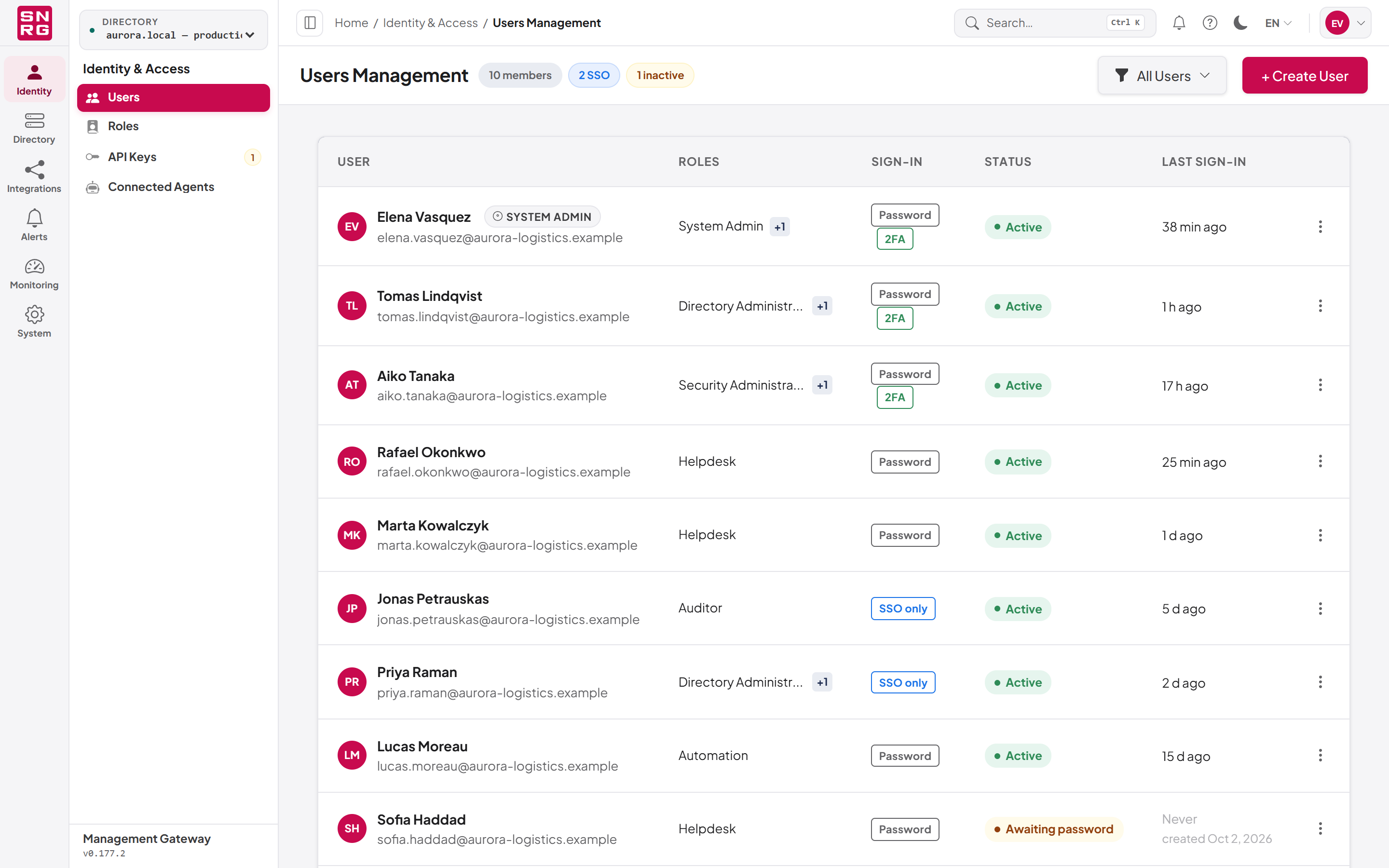
- A web console for everyday directory administration: finding and editing users, groups, computers, organizational units and other objects, browsing the directory tree, restoring deleted objects, and reviewing what has been done.
- A REST API that integration scripts, workflow tools and other systems use to perform the same operations under the same rules.
- An MCP server (Model Context Protocol) through which AI agents, such as desktop AI assistants and coding tools, can read and change the directory on behalf of a person, with that person's permissions and under supervision you control.
- An n8n community node so that n8n workflows can work with Active Directory without hand-written LDAP code.
Whichever of these doors a request comes through, it passes through the same chain of controls before it reaches a domain controller:
- Permission. A role-based model decides what a person, an API key or an agent may attempt. Permissions are resolved by the server on every request.
- Policy. Each type of operation can be switched off globally or for one directory, and can be marked so that AI agents always ask before performing it.
- Supervision. Changes requested by machine credentials (API keys and AI agents) can be held for a person to approve, depending on how far that credential is trusted and what the change touches. A person's own request is never held: it either runs or is refused on permissions.
- Audit. Every operation is recorded with who asked, through which channel, what changed, which directory it touched and what the result was.
Last updated
Thank you for your feedback.