
6.9Managing computers
Last updated
Computer management requires the directory-management licence entitlement and the relevant ad:computers:* permission. Managed service accounts are not treated as computers here (see 6.12).
To create (pre-stage) a computer account
- Right-click the target container and choose New object here….
- Under What to create, select Computer.
- Fill in the fields and select Create.
| Field | Description |
|---|---|
| Computer name | A NetBIOS name: up to 15 characters, letters, digits and hyphens only. |
| Logon name (sAMAccountName) | Optional, up to 15 characters. Suggested as the name with a trailing $. |
| Password | Optional. Without one, the account is created disabled — the usual choice when pre-staging, since a machine joining the domain normally sets its own. |
The computer Actions menu
The computer menu mirrors the user menu: Enable account / Disable account, Unlock account, Reset account password…, Set account expiry… / Change account expiry…, Rename…, Move… (all ad:computers:update) and Delete account… (ad:computers:delete). The procedures are the same as for users in 6.6, with these differences in effect:
- Disable account stops the computer authenticating to the domain. Every domain sign-in on that machine fails, and nobody at it is told why.
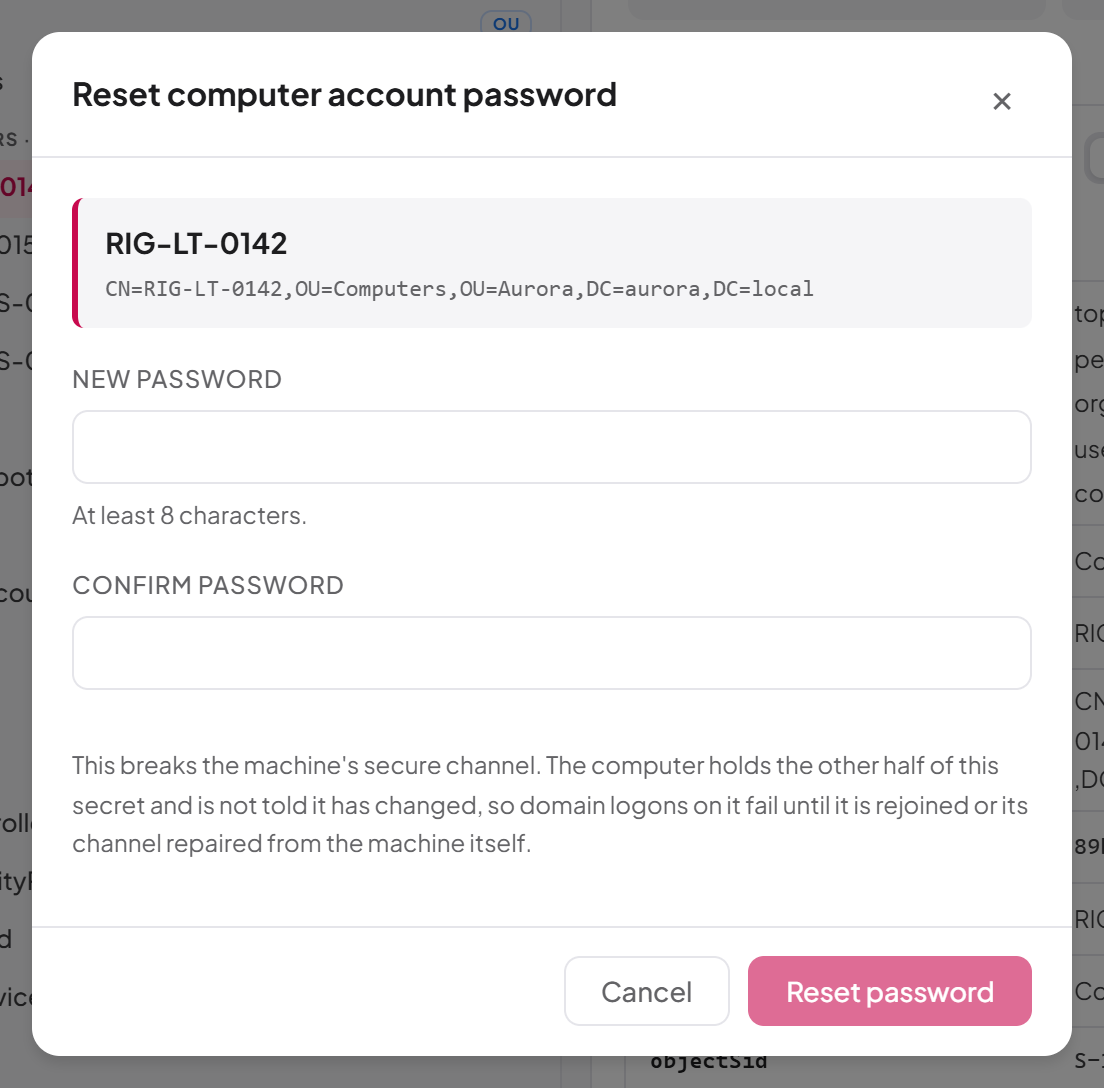
- Reset account password… breaks the machine's secure channel. The computer is not told its password has changed, so domain logons on it fail until it is rejoined or its secure channel is repaired from the machine itself. The dialog has no "require change" option.
- Rename… changes only the name in the tree. The machine still authenticates as its current
sAMAccountName(the name with a trailing$) until it is rejoined to the domain. - Move… changes the group policy the computer receives, if policy is linked by OU: it picks up the new policy at its next refresh.
- Delete account… removes the machine's domain membership; it has to be rejoined.
Last updated
Thank you for your feedback.